 01
01LISTINGS
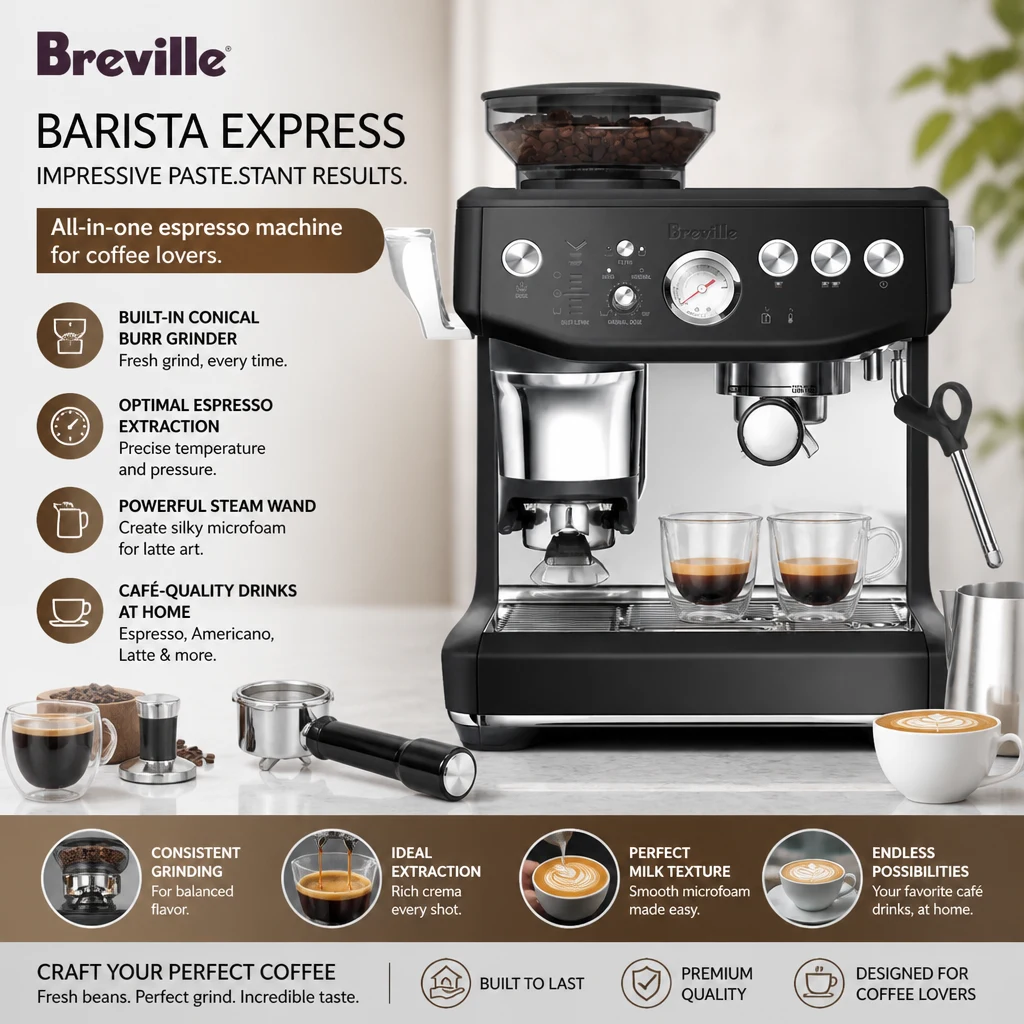
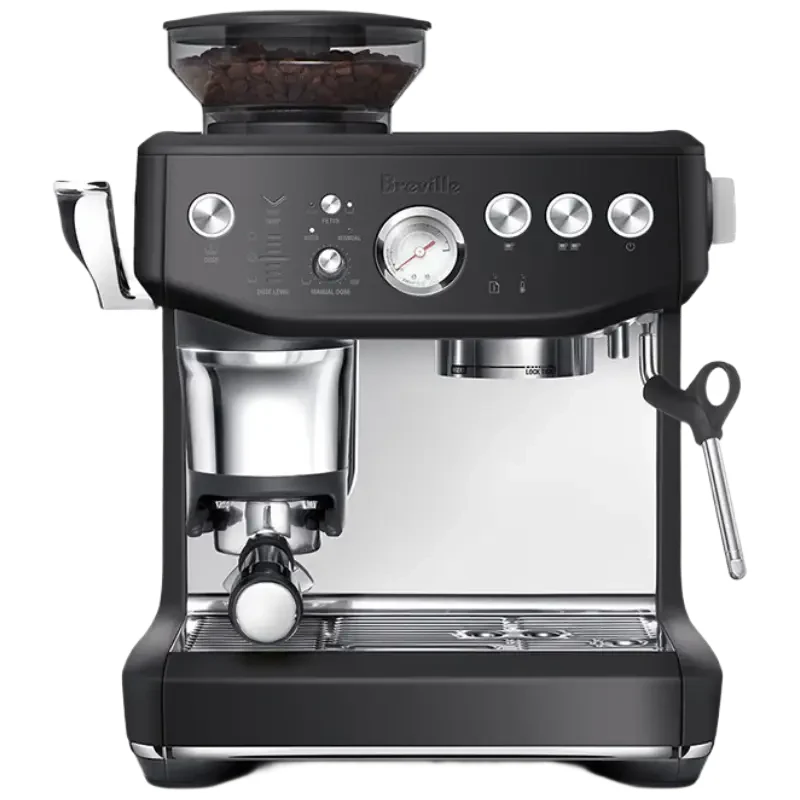
Clean Product Image
A clean background, centered composition, and soft product shadow for simple store presentation.
Create this →PRODUCT PHOTOS FOR ECOMMERCE SELLERS
Upload one product photo, choose the result you need, and get a polished ecommerce visual without learning prompts or design tools.
CHOOSE THE RESULT
Start with one product photo. Pick the finished result that fits your store, listing, or campaign.
01LISTINGS
A clean background, centered composition, and soft product shadow for simple store presentation.
Create this →02CAMPAIGNS
A high-impact product visual for ads, social media, and branded promotions.
Create this →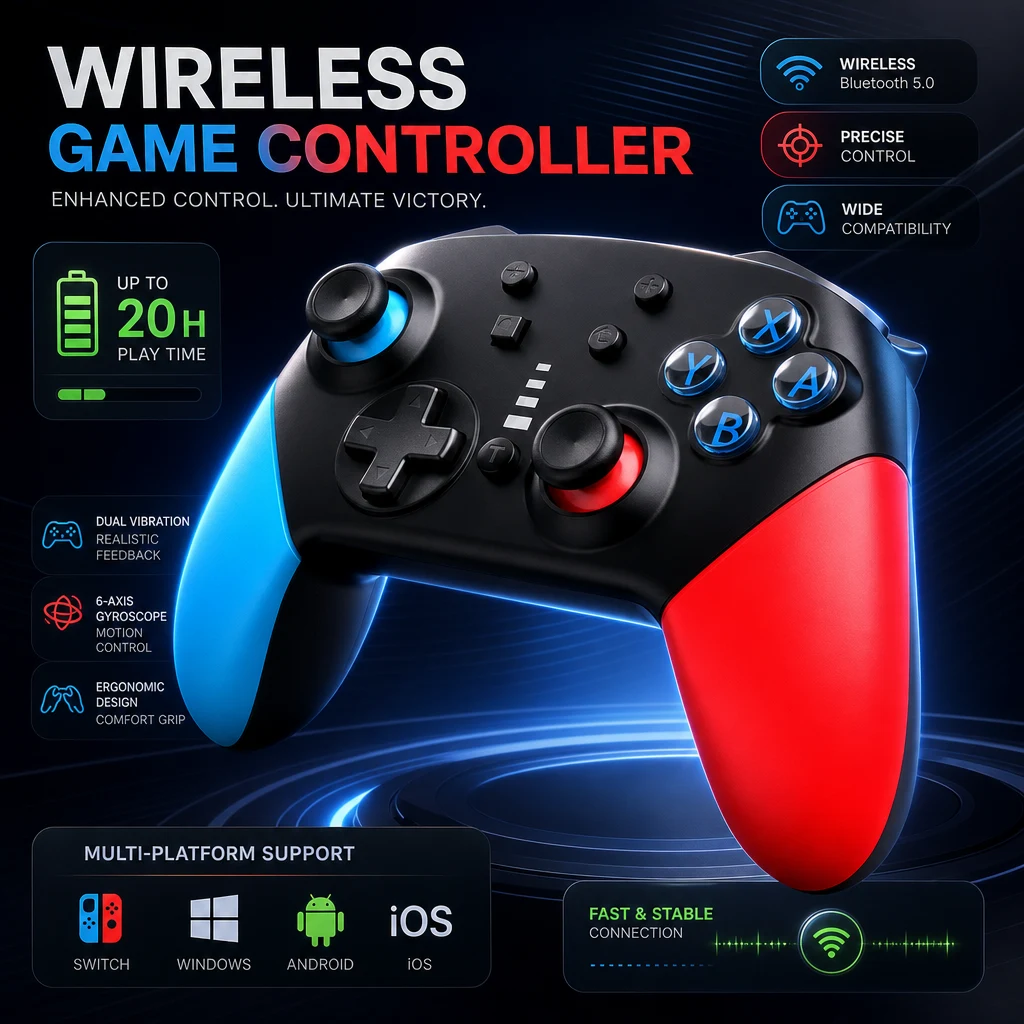 03
03MARKETPLACES
A marketplace-focused visual with stronger product highlights and selling-point presentation.
Create this →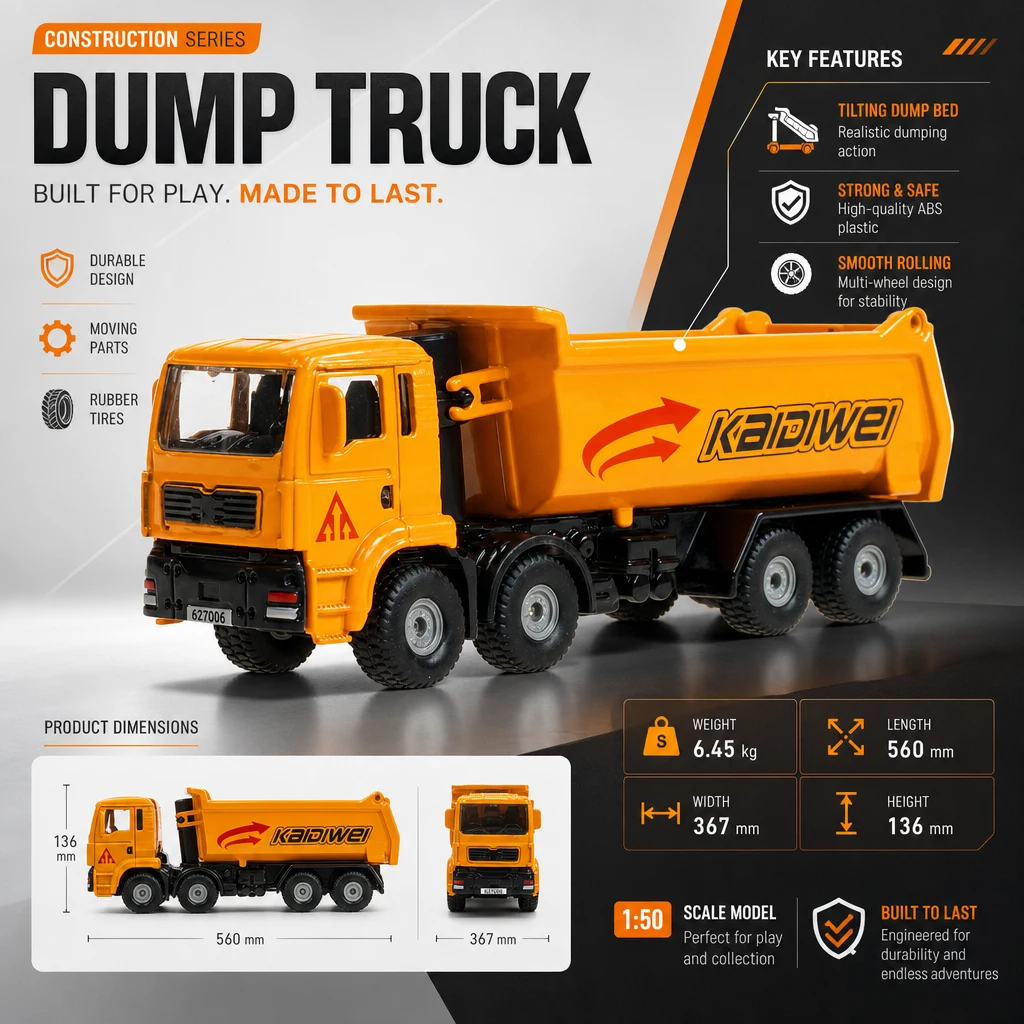 04
04DETAIL CONTENT
A long-form ecommerce visual for product features, benefits, and specifications.
Create this →BEFORE & AFTER
These are visual-direction references from the earlier prototype. Real Liblib outputs will replace them after workflow validation.
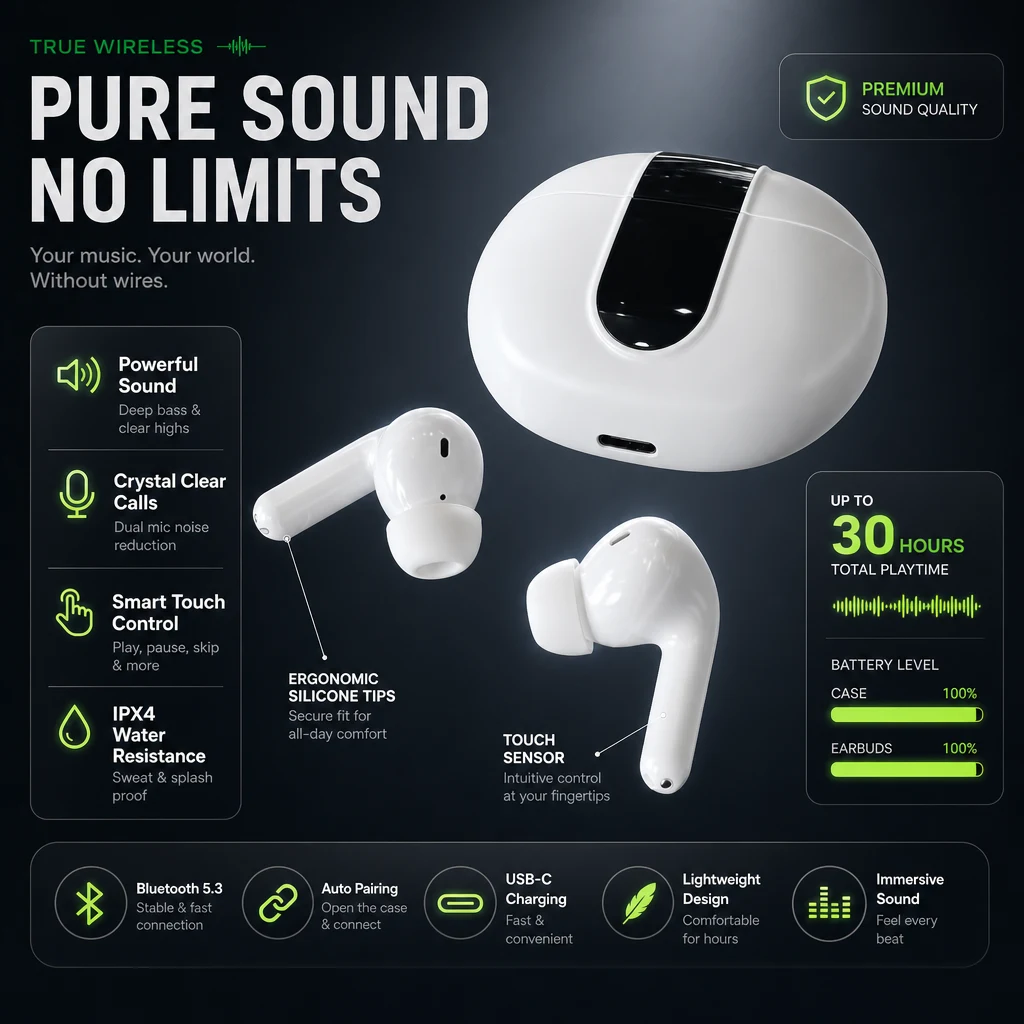
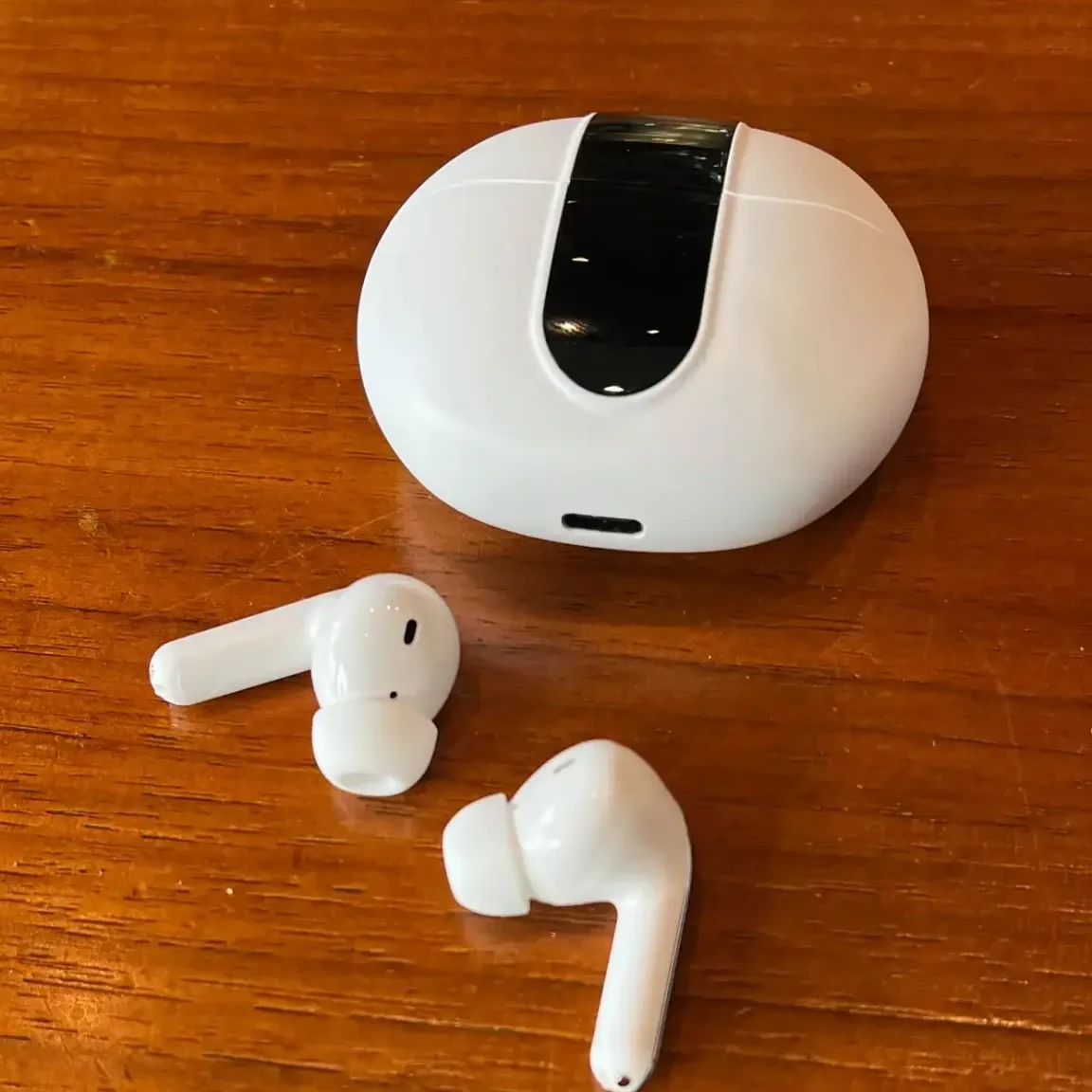
PREMIUM AD POSTER
A casual tabletop photo becomes a stronger ecommerce visual with clearer hierarchy, depth, and a premium technology mood.
Create something similar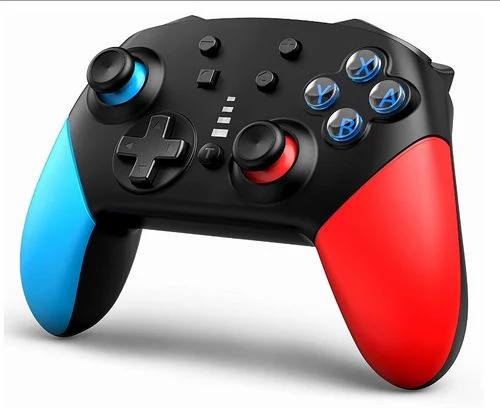
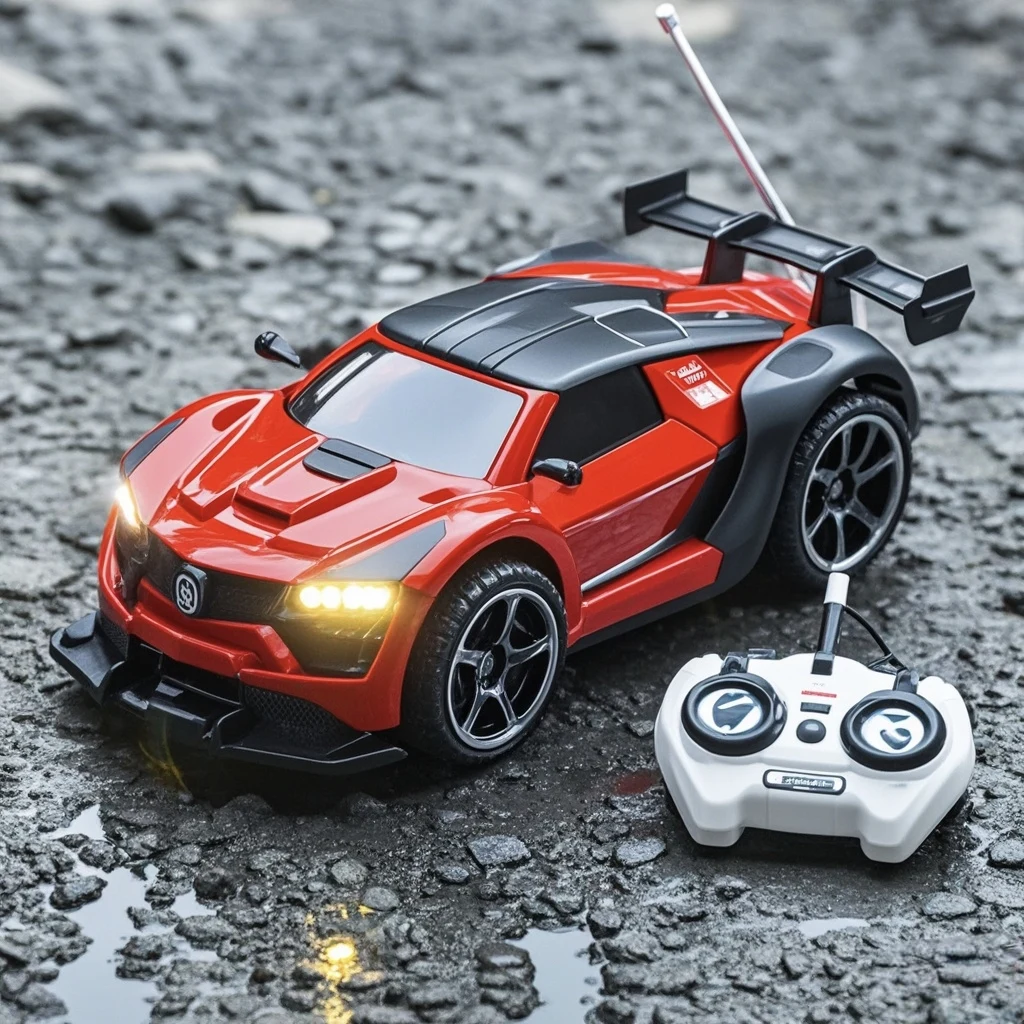

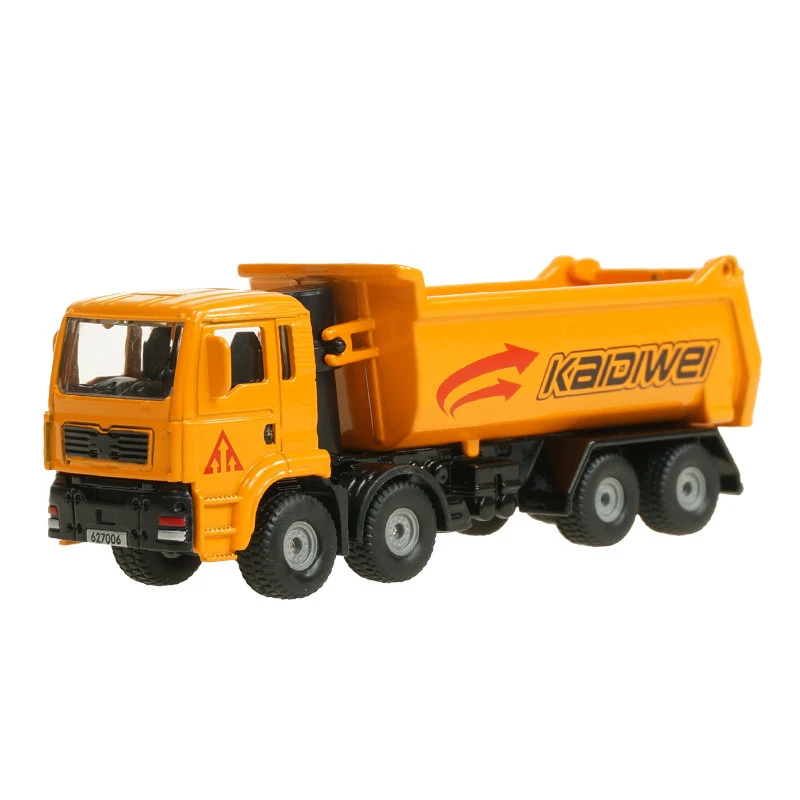
Always review labels, specifications, prices, and small product details before publishing.
HOW IT WORKS
The complicated workflow stays behind the curtain.
Start with one clear product photo.
Pick a clean image, ad poster, Amazon main image, or detail page.
Enter the product name, language, and key selling points.
Review the setup, create the image, and download the final result.
CREATE
Upload one product photo. Pick a result type. Add a few details. We handle the rest.
BUILT FOR REAL ECOMMERCE WORK
Amazon, eBay, Shopify, and independent stores.
Social posts, promotions, and campaign visuals.
Features, benefits, specifications, and long-form pages.
SIMPLE CREDITS
Exact customer pricing will be set after real Liblib API cost and output testing. This preview shows the intended product structure.
Lower cost and faster generation for simple outputs.
The best balance of quality and cost for most ecommerce work.
For detailed layouts, premium ads, and long product pages.
FAQ
Use one clear product photo with the main product fully visible. A clean background helps but is not required.
No. Choose the finished result you want and add only simple product details.
Yes. The planned workflow supports English, German, French, Spanish, Italian, and Portuguese.
The workflow will be tested specifically for product fidelity before public launch.
The interface shows an estimate. Final customer pricing will be confirmed after live Liblib API testing.
Technical failures will restore customer credits automatically.
READY WHEN YOU ARE
ADMIN ONLY
Record varied inputs before treating a workflow as ready for customers.
0 of 20 tests recorded